 Clayton H
Claude skill
AI Photoshoot Director
AI Photoshoot Director is a Claude skill that directs photoshoots of you or your AI character: tell it the shoot you want, and it writes 10 directed scenes ready to paste into your image tool.
- 12tested themes
- 10directed prompts per shoot
- 120bonus ready-made prompts
Real output
What does it make?
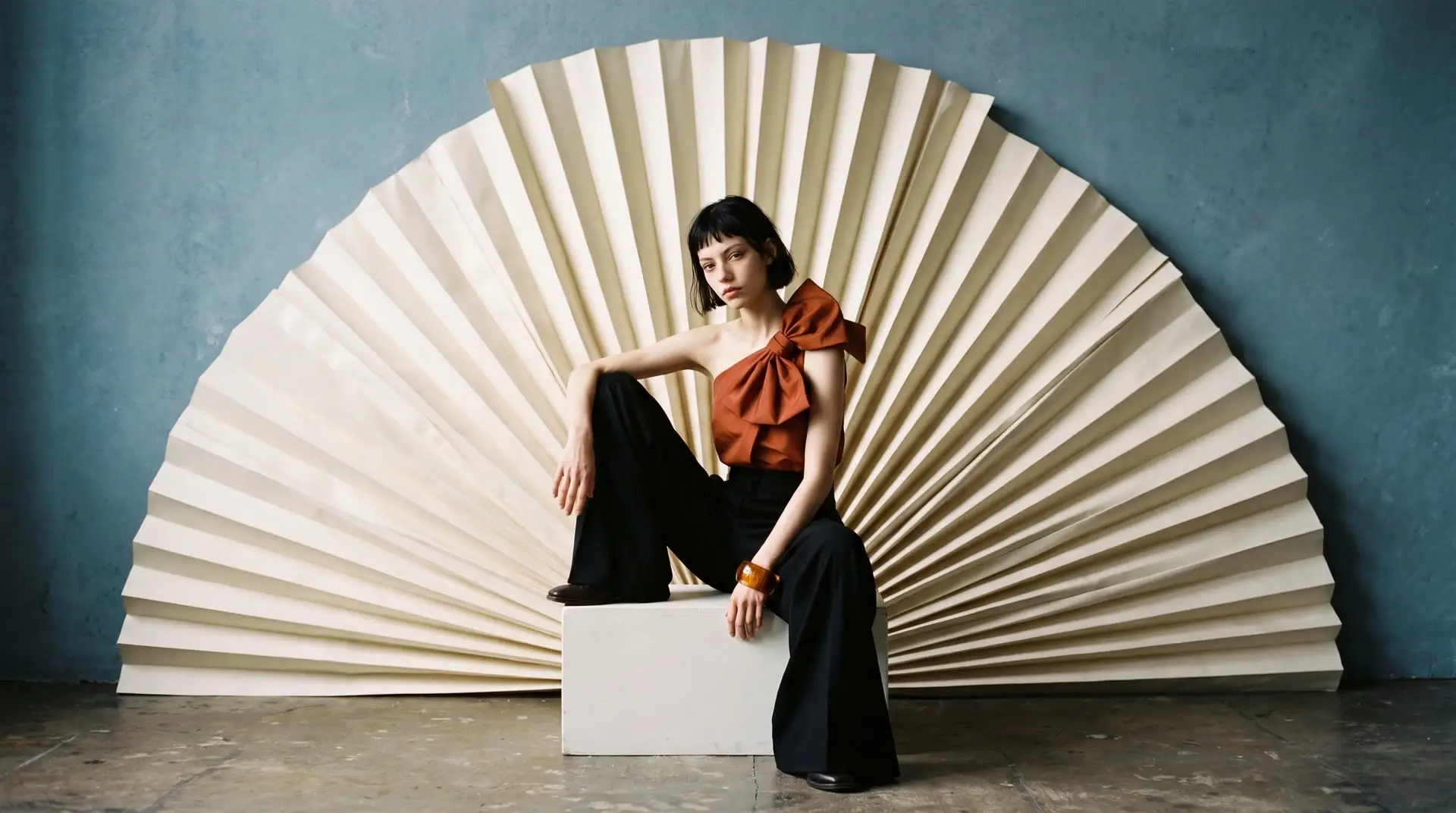
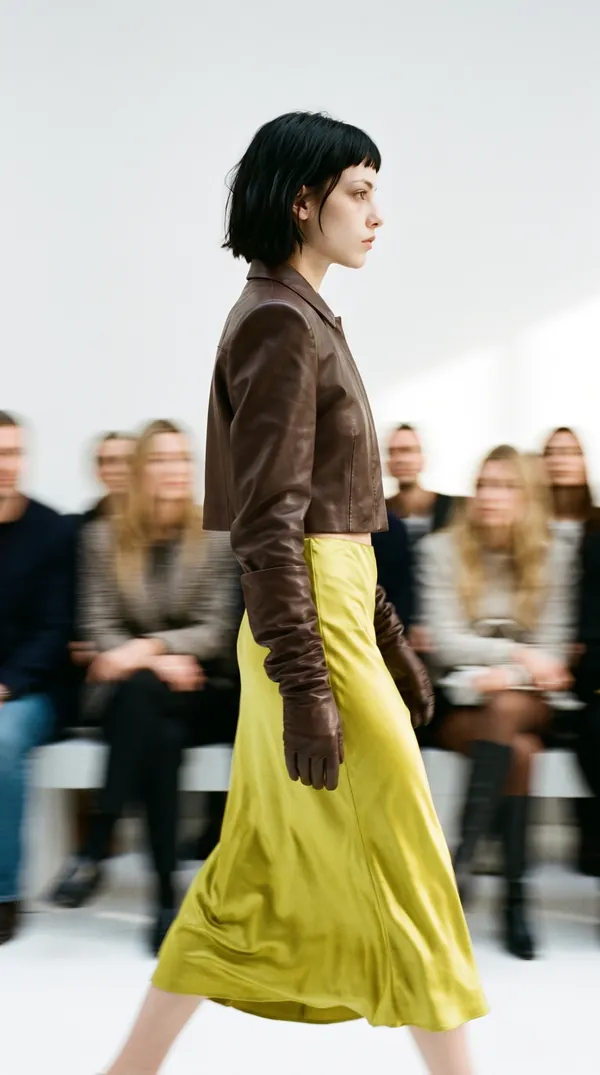
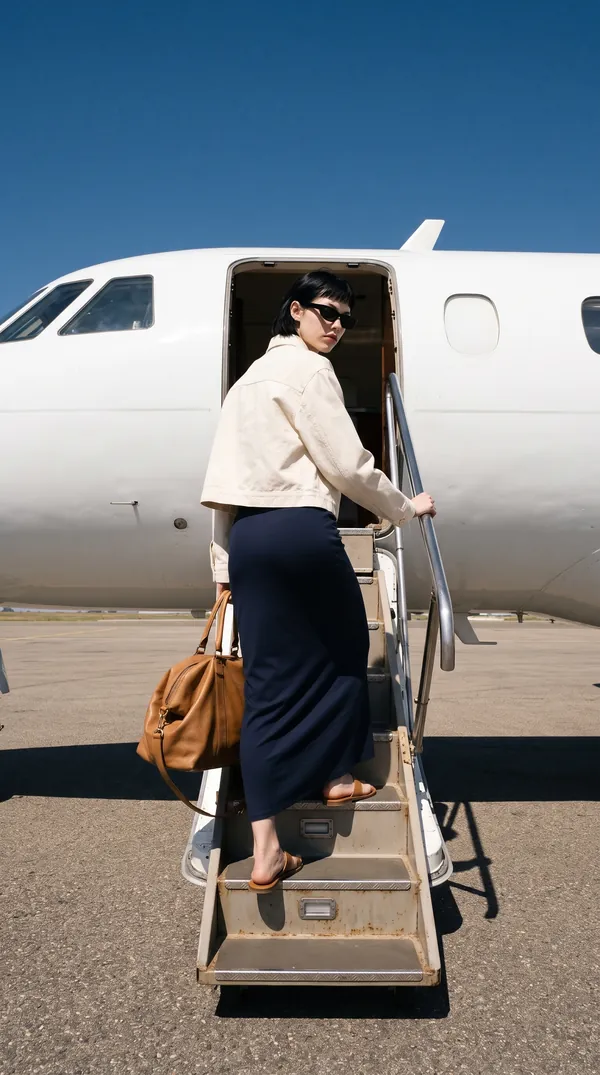
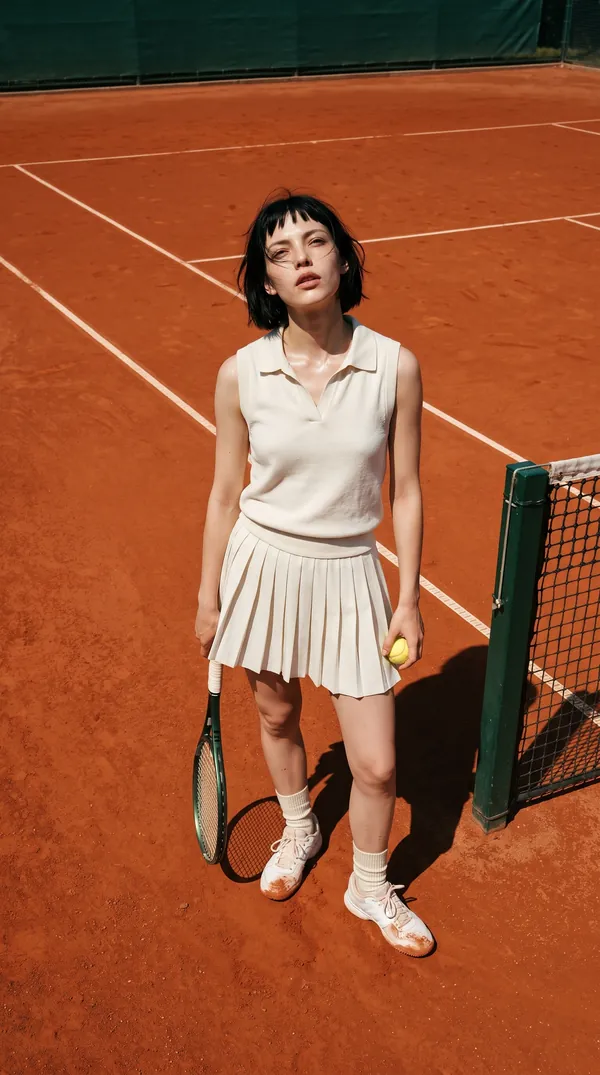
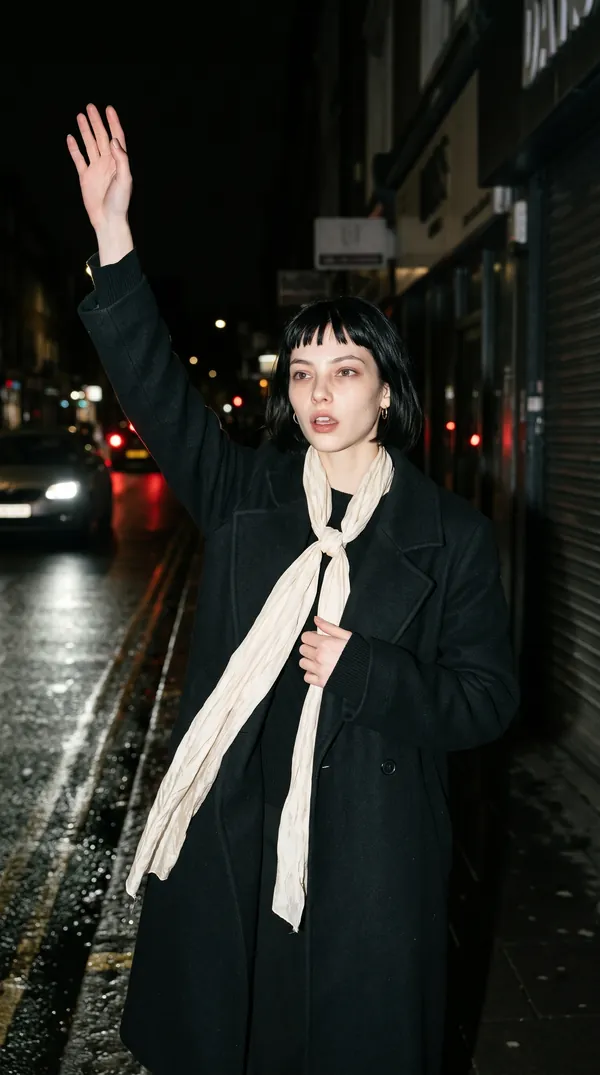
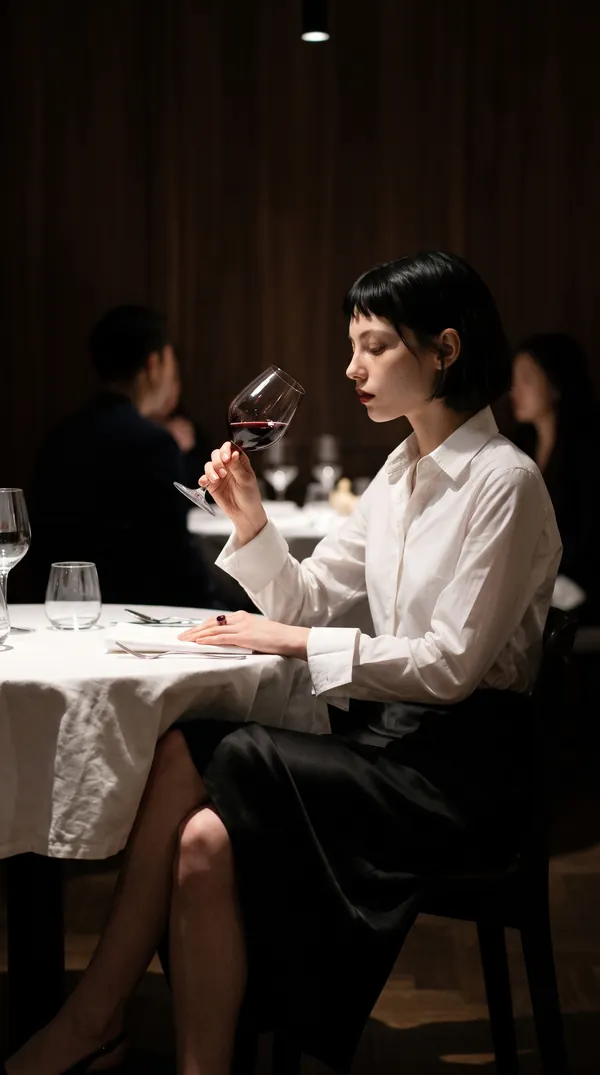
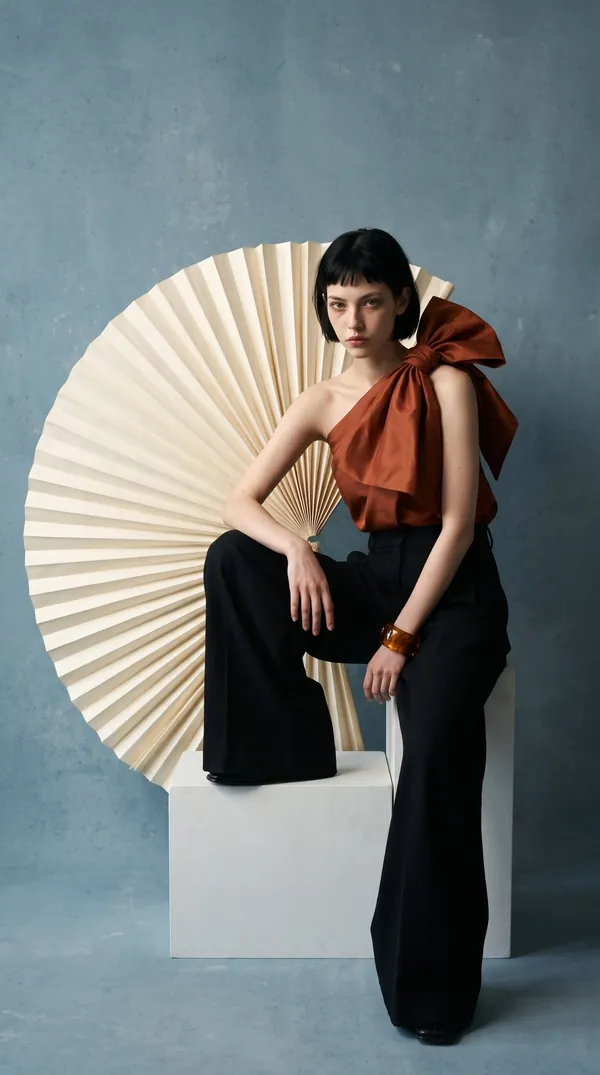
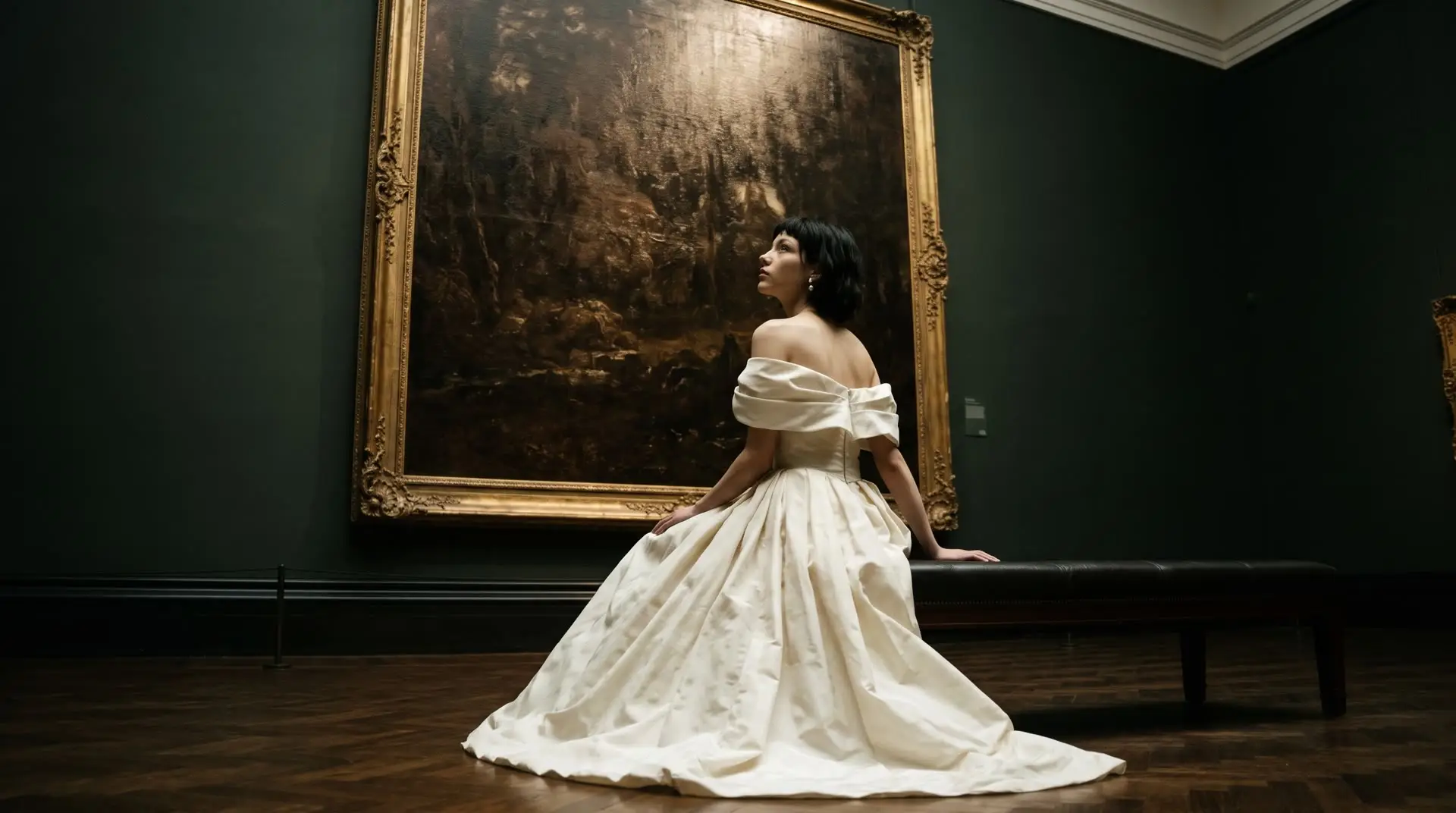
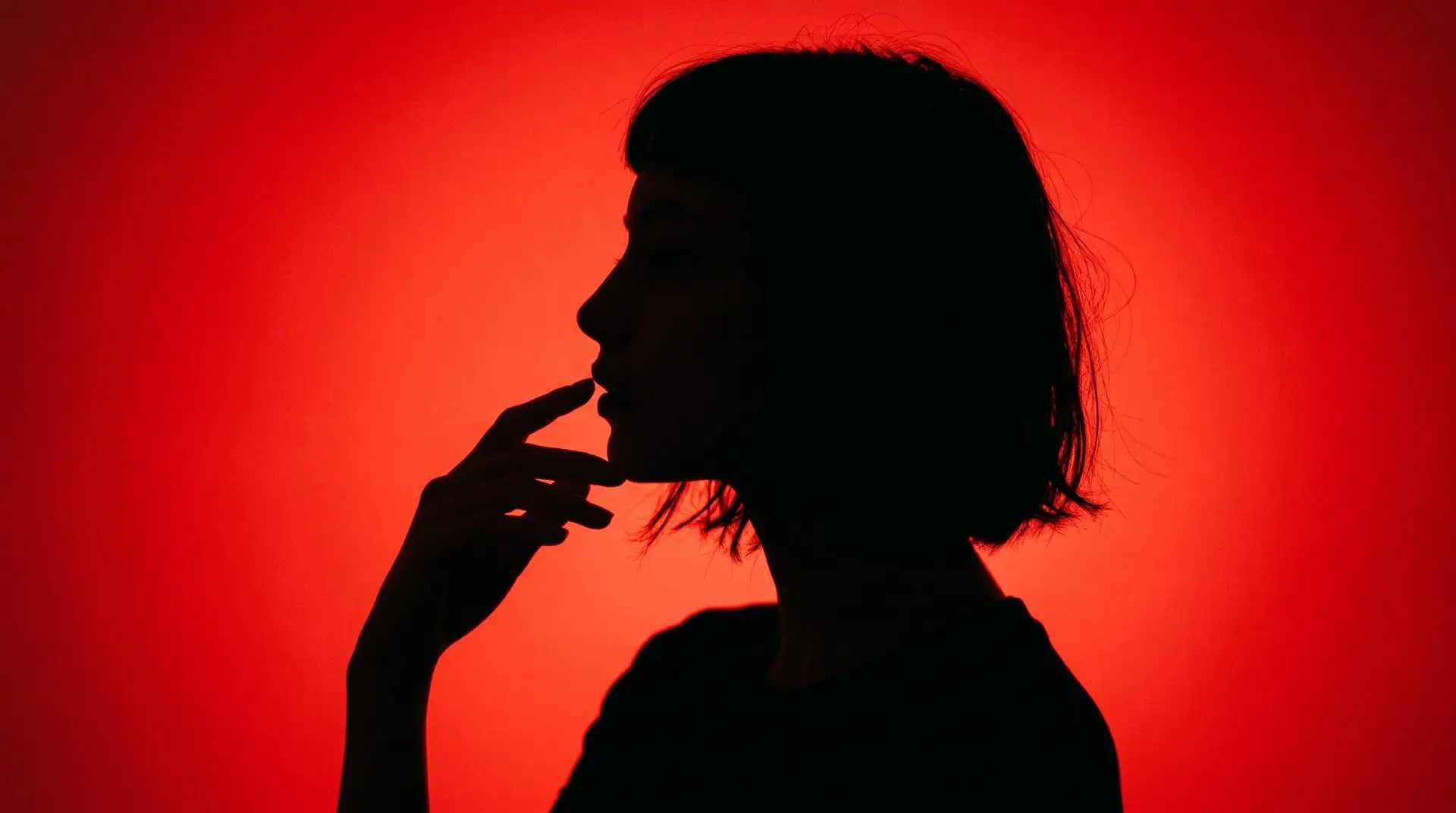
Ten photos from ten different shoots, each one a directed scene with its own place, outfit, light and pose. Every image below was made with the skill's prompts.
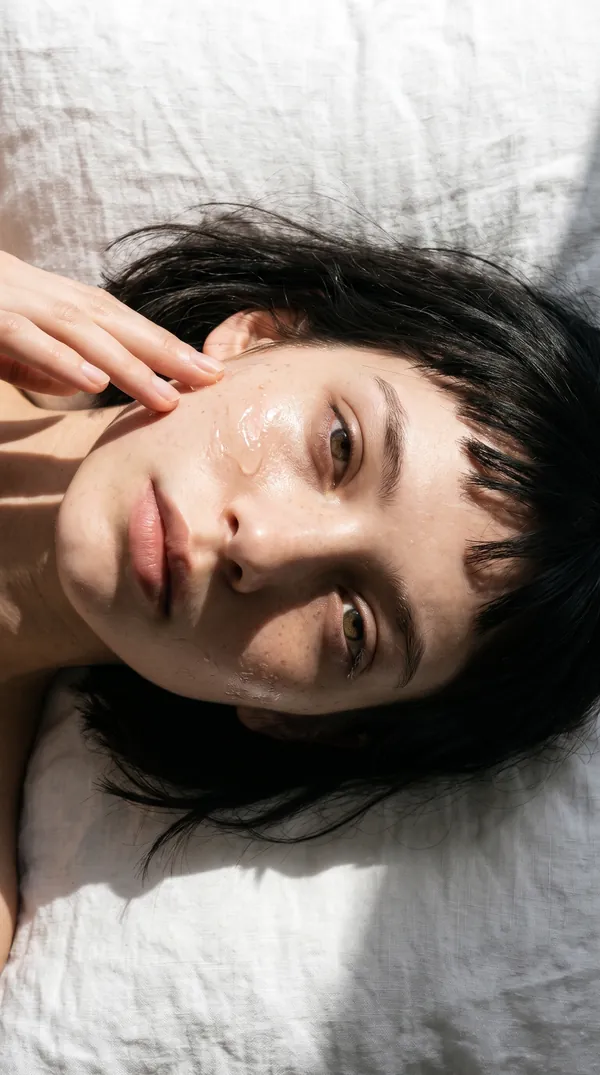
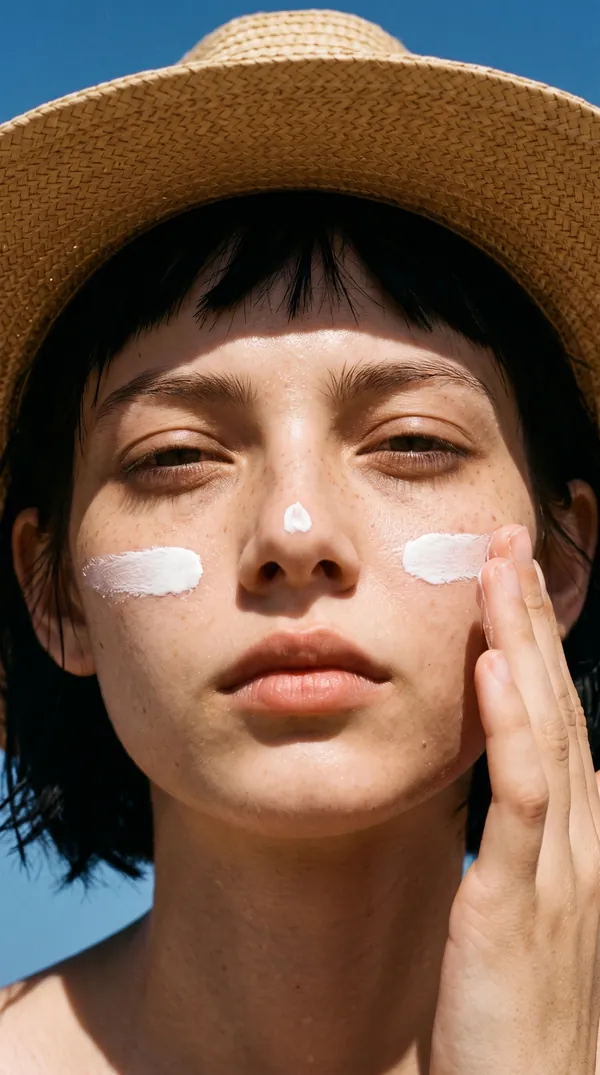
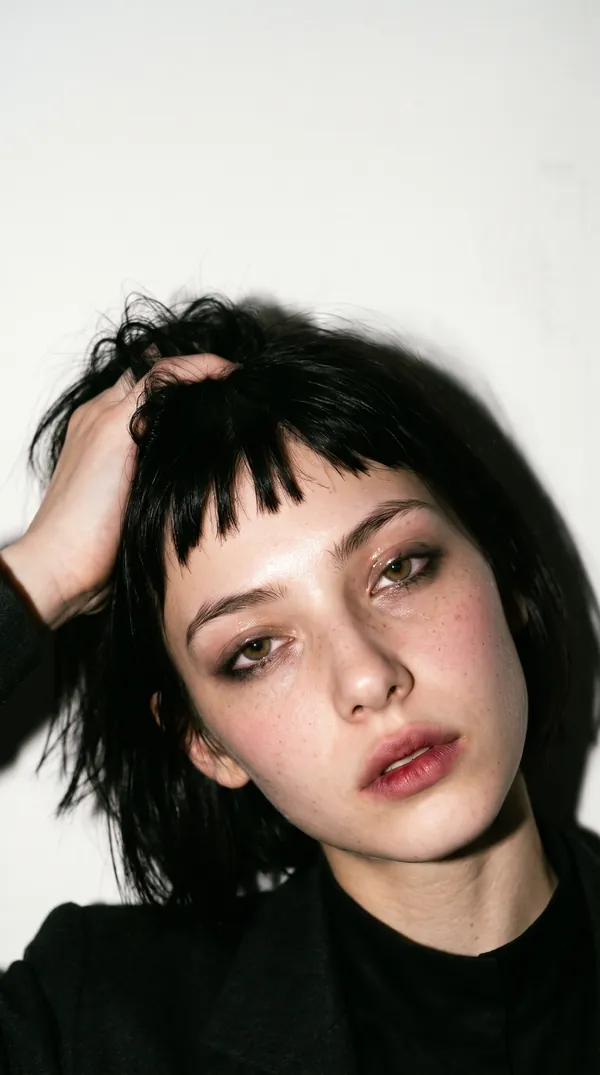
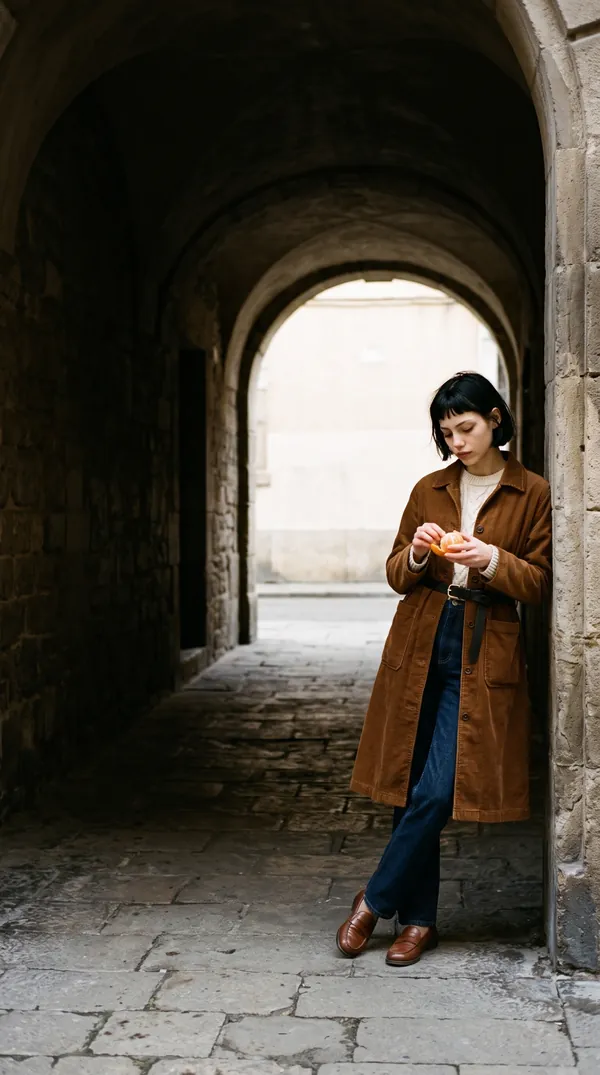
Why do photos of you take so long to make?
Your brand needs fresh photos of you, or your character, every week. A photoshoot costs a day and a budget, and the photos are used up within a month. So you turn to AI, and it hands you a new problem.
Every post starts blank
Where is she? What is she wearing? What is she doing? You decide all of it, every time.
Generic prompts, generic scenes
The same café, the same pose, the same golden glow everyone else has.
One image eats your evening
Rewrite, reroll, rewrite again. And it still looks like AI, so your audience scrolls past.
The art director your AI was missing
AI image tools can render anything. What they can't do is decide what's worth shooting. The Director thinks like a photographer, stylist and art director, so you skip the blank page and the rerolls.
- Picks the locationA real place with a reason to be there
- Styles the outfitLooks styled, not thrown together
- Sets the lightReal light for the time and place
- Directs the poseNatural poses a real person would do
How it works
Step 1
Add the skill
Upload one zip file to Claude, or its files to a ChatGPT project.
Step 2
Pick the shoot
Choose one of the 12 ready-made themes, or describe your own.
Step 3
Attach your face
Add your character sheet, plus a few screenshots of photos you like for even better results.
Step 4
Paste 10 prompts
Paste them into your image tool one at a time.
Why not just buy a prompt pack?
Prompt pack
Runs out
You use the 50 prompts, and so does everyone else who bought them.
The Director
Never runs out
A gym shoot this week, a Christmas shoot next month, a launch-day shoot after that. Every time, new scenes written for your face, following the rules that made the tested sets work.
What does it get right?
It was built from hundreds of test images. Every rule is there because the obvious version failed in testing.
- Photos that look realNot AI-generated
- The same faceIn every shot
- Natural posesThat a real person would do
- Styled outfitsNot thrown together
- Beauty close-upsThat actually work
- Product shotsThat look like a real phone photo, not an ad
- Your referencesUsed for inspiration, never copied
Which themes are included?
12 ready-made themes, with new ones added in every update. Want one that isn't there yet, like travel or a café? Ask, and it will write it for you.
- Street style
- In the car
- Fitness
- Winter
- At home
- Talking head
- Summer
- Evening wear
- Office
- Fashion editorial and runway
- Beauty
- Product content
What readers say
What do newsletter readers say?
From readers of my AI for Creators newsletter on Substack.
“Clayton creates beautiful images and videos with AI, then shows you how he made them. His guides helped me start experimenting with video myself. He is also incredibly generous with his time and advice.”
“Clayton is my go-to for design inspiration. I'm amazed by his keen eye!”
“Clayton's newsletter is a practical collection of guides, experiments and workflows meant to help creators build unique visual and creative productions with AI.”
What do you get?
- The AI Photoshoot Director skill for Claude
- 12 tested themes, with more added in future updates
- A Start Here page: install in a few minutes, what to attach, and how to run your first shoot
- Every future update, free
- Bonus: the full library of 120 ready-made prompts, so you can start creating today
What do you need?
- Claude, on any plan, including the free one, or ChatGPT.
- An image tool that accepts a reference photo. It was tested in Nano Banana 2.1.
- Your character sheet, or one clear photo of the face you're using. No character sheet yet? Make one free with the Character DNA skill in the AI Content Starter Kit.
Who is it for?
Anyone building a brand around a person, real or AI:
- Creators who want to post more without getting camera-ready every time.
- Experts, coaches and business owners who need to stay visible but don't have hours for content.
- Faceless brands run by an AI character, for creative freedom and privacy.
Who isn't it for (yet)?
- Shoots of men. It's built and tested for women. It can write for a man if you tell it what he's wearing, but those results haven't been tested.
- Group photos. One person per image. Other people appear only as soft background figures.
- Cartoons, video, or text in images. It makes realistic photos only.
- Fixing a weak image tool. It writes the prompts. How good the final image looks also depends on your image tool.
FAQ
Will it change my face?
No. Every prompt tells the image tool to keep your face, skin tone and hair exactly as they are in your photo. Only the styling of your hair changes from shot to shot, never its colour, length or cut.
What should I upload?
Your character sheet: one image of the same face from several angles. It keeps the face far more consistent than a single photo. Don't have one? The free Character DNA skill in the AI Content Starter Kit makes one in about 20 minutes. A single clear, front-facing photo also works.
Does it only work in Claude?
No. It's built for Claude and also works in ChatGPT, where you add its files to a project. The thank-you page has the steps for both.
Which image tools does it work with?
Any tool that accepts a reference photo. It was tested in Nano Banana 2.1, and results can vary between tools.
Will there be more themes?
Yes. The 12 themes are the start. New ones are added with each update, and you get every update free.
What are reference photos, and do I need them?
They're a few screenshots of photos you love the look of, from Pinterest or Instagram, for example. You don't need them: it works well on its own. But adding them brings the results noticeably closer to your taste.
Can I use it for client or brand work?
Yes. The prompts are yours to use. Rights to the images follow your image tool's terms.
Can I get a refund?
Because this is a digital product you get instantly, all sales are final. If anything isn't working, email [email protected] and I'll help you get set up.
Get the AI Photoshoot Director
$67 launch price (full price $99). One purchase, every future update free.